
WordPress · 5 min read
Common Mistakes Businesses Make and How to Avoid Them
Aug 2, 2026 · Macrohire IT Solutions
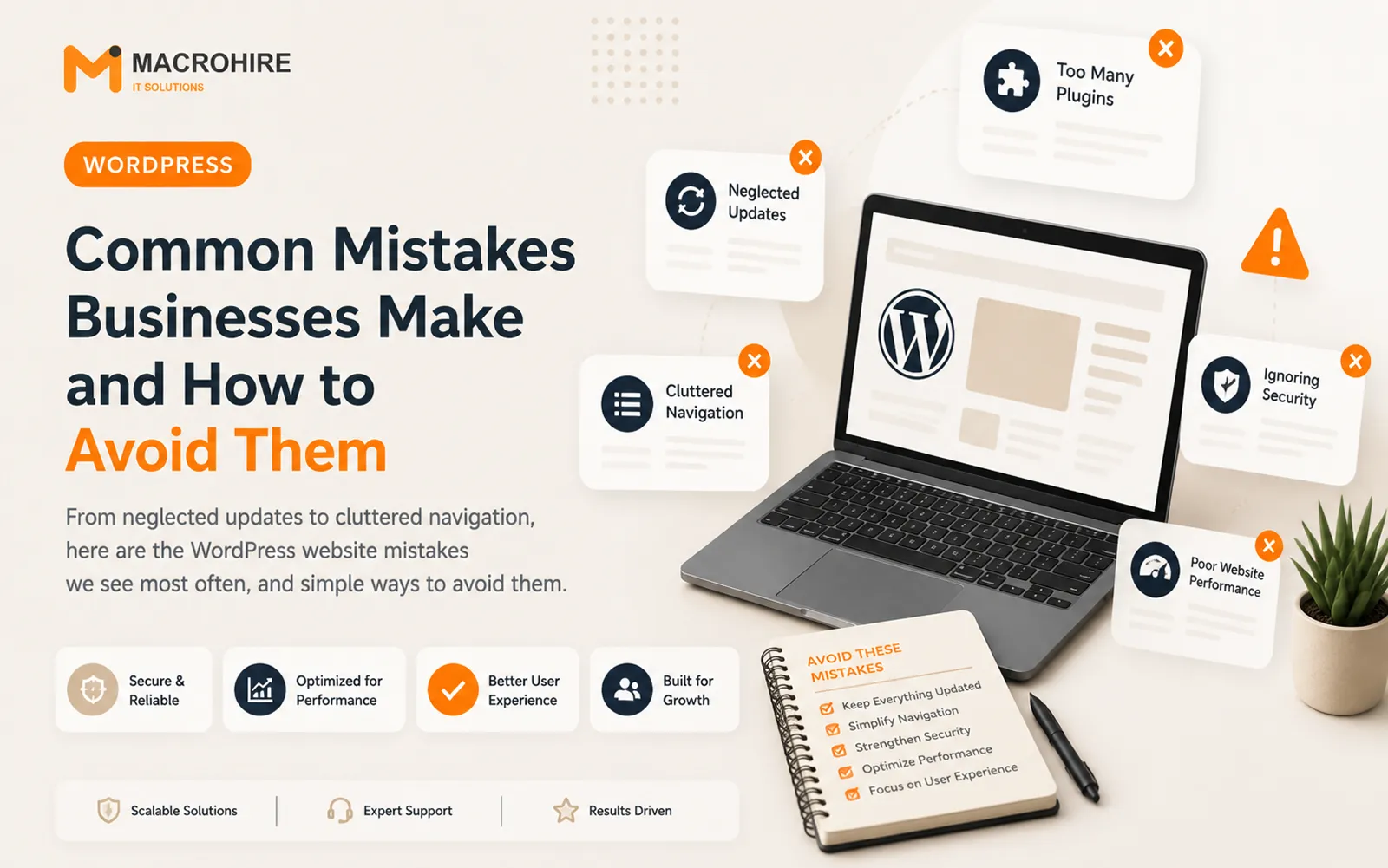
Running a WordPress website looks simple from the outside, but many businesses fall into the same handful of traps that quietly hurt performance, security, and user experience. None of these mistakes are complicated to fix once you know what to look for. Here are the ones we see most often, along with practical ways to avoid them.
Letting Updates and Maintenance Slide
WordPress, along with its themes and plugins, receives regular updates that patch security vulnerabilities and improve performance. It's tempting to ignore update notifications, especially when things seem to be working fine, but outdated software is one of the most common ways websites get compromised. The fix is straightforward: schedule regular maintenance windows to review and apply updates, and always back up your site before doing so. If your team doesn't have time for this, it's worth having a developer or agency handle it on an ongoing basis rather than letting it slip for months at a time.
Installing Too Many Plugins
Plugins are one of WordPress's biggest strengths, but businesses often accumulate far more than they need, adding one for every small feature request over time. Each additional plugin increases the site's load time, expands its security surface, and raises the chance of conflicts that break functionality. A good rule of thumb is to periodically audit your installed plugins and remove anything that isn't actively serving a clear purpose. Fewer, well-chosen plugins almost always outperform a bloated collection of them.
Overlooking Mobile and Page Speed
A significant share of website visitors browse on mobile devices, yet many businesses still design and test primarily on desktop. A site that looks great on a laptop but is slow or awkward to use on a phone will lose visitors before they even see your content. Similarly, large uncompressed images and unnecessary scripts can drag page load times down, and slow-loading sites tend to lose visitors before the page even finishes rendering.
Regularly testing your site on real mobile devices and running it through a page speed tool can surface these issues early, before they cost you visitors and, ultimately, business.
Treating the Website as a One-Time Project
Perhaps the biggest mistake is treating a website launch as the finish line rather than the starting point. Content goes stale, design trends shift, and business needs evolve, but many companies never revisit their site after the initial build. Setting a recurring schedule to review content accuracy, refresh outdated pages, and reassess whether the site still supports current business goals keeps it useful rather than letting it quietly become a liability.
Wrapping up
Most WordPress website problems stem not from one big failure, but from small, avoidable habits: skipped updates, plugin sprawl, ignored mobile experience, and a set-it-and-forget-it mindset. Building a simple maintenance routine around these areas will keep your site secure, fast, and genuinely useful to the people visiting it.
More articles.
View all →

Have a project in mind?
Tell us what you're building. We'll show you how we'd approach it.